HiLookVision App: Overview, Comparison, Alternatives
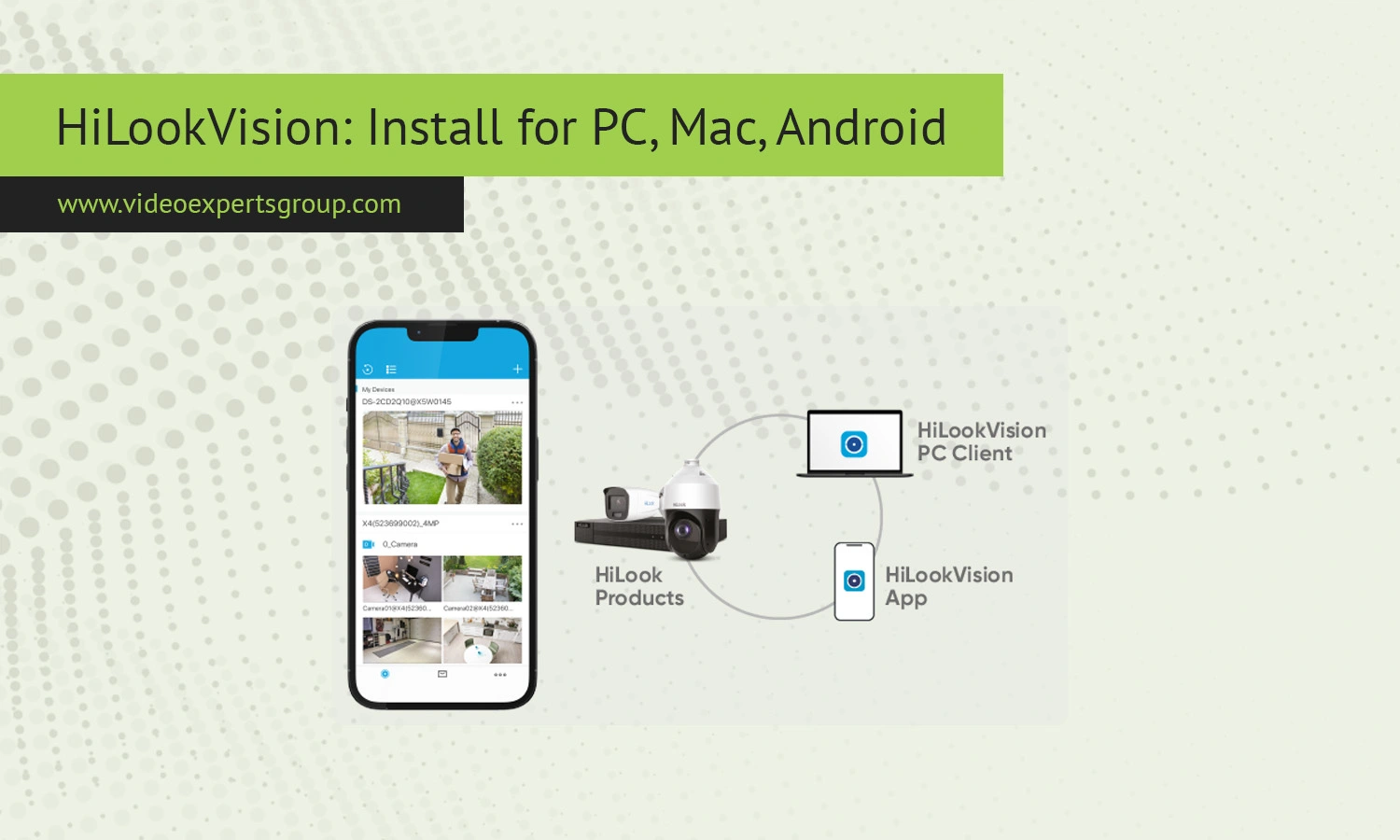
Smart monitoring through cameras is now a norm across both home and corporate setups. If you're the owner of a local shop, or even someone who wants to keep tabs on their residence remotely, an active surveillance app is something indispensable. HiLookVision is one such product, offering management over your cameras in a much simplified yet efficient manner. Today's guide covers everything there is to know about the HiLookVision app.
What is HiLookVision
HiLookVision is a video surveillance client application used for viewing and controlling IP cameras, DVRs and NVRs. It belongs to theHiLooksystem that refers to Hikvision technologies being more low-cost. The program gives the option to watch Live view, playback recordings and set devices remotely through one platform.
Small/medium businesses or homeowners use the system to have a controlled view over their property in a simple way, It supports multi devices and is ideal to manage a multi-camera network.
Key Features
The HiLookVision app has all the practical elements you’d expect to see in a basic surveillance app. Real-time viewing ensures that you can watch your live feeds from your cameras and have them displayed to your screen with very little delay. The app also offers replay features so you can go back over recorded streams or video file recordings that you have saved onto your respective devices.
The app also facilitates remote access, letting you view live feeds of your cameras from anywhere so long as you’ve got a good, stable connection – particularly handy if you own a business and want to see how things are going from another room (or, indeed, another building entirely!). The software also provides notification when movement is detected so you always get up to speed quickly when anything suspicious is recorded. The app also supports multi-device control, meaning you won’t ever have to skip from one app view to another when switching between recordings on a number of your security cameras and recorders. HiLookVision also includes user management so you can delegate certain user abilities and access permissions to relevant stakeholders.
HiLookVision vs. Hik-Connect
HiLookVision and Hik-Connect have been compared on several occasions due to the fact that they are both part of related ecosystems. When it comes to remote surveillance both applications provide the user with the same functions but are aimed more towards slightly different users.
HiLookVision has a tendency towards local network management and is used mostly with HiLook hardware. If you like straightforward configurations you could opt for this application as it gives the user full remote control over their device and does so very efficiently.
Hik-Connect on the other hand can be considered more of a cloud-based solution and is aimed forremote viewing and ease of set-up. It is more used with Hikvision devices and there are more advanced options like remote cloud storage and push notifications with this application.
Basically HiLookVision will fit the local setup and a more economical system while Hik-Connect is designed for users who mainly value and require remoteness.
HiLookVision Alternatives
When evaluating options, despite hi look sight to use another platform, but that is certainly worth considering due to: VXG is a scalable, hybrid/cloud-based, VMS which features comprehensive integration for all camera brands and also offers robust API features. Particularly applicable if you are planning on developing your custom video solution or wish to embed video into other applications.
VXG aims to position itself as the leading SaaS based cloud-ready IP based VMS for modern & enterprise organisations and you might want to evaluate this solution if you are looking to move to cloud video surveillance.
The choice will always be individual to what other alternative are and we may also want to factor in other considerations such as if you are aiming to make access on the move (iVMS -4500 provides one application of such capabilities) or other ONVIF compatible devices will need also be in scope.
FAQs
