Hik-Connect App: Login & Download for PC, iOS, Android
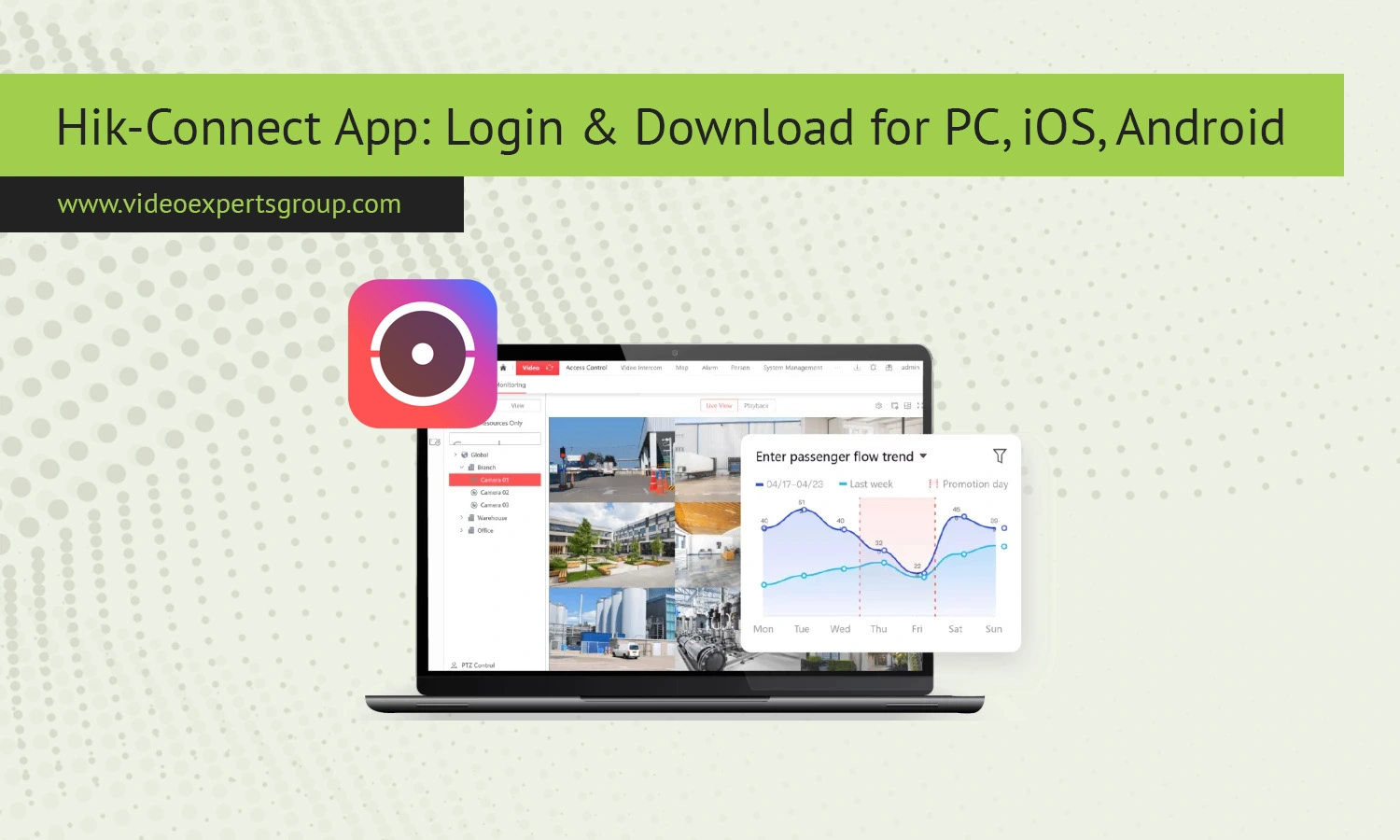
The Hik-Connect app is one of the most widely used tools for remote video surveillance management. Whether you want to monitor your home, office, or industrial site, it provides real-time access to cameras and recorders from virtually anywhere. In this guide, you will learn what Hik-Connect is, how to download it for different platforms, how to log in, and how to connect your camera properly. You will also discover alternative solutions and answers to the most common user questions.
What is Hik-Connect
Hik-Connect is a mobile and desktop application designed for managing video surveillance systems remotely. It is developed to work with compatible IP cameras, DVRs, and NVRs, allowing users to view live streams, playback recordings, and receive instant alerts.
The app relies on cloud-based technology, which means you can access your devices without complicated network configurations. Instead of dealing with port forwarding or static IP addresses, you simply link your device to your account and manage everything from a single interface.
It is widely used in both residential and commercial environments due to its reliability, scalability, and ease of use.
Key Features
Hik-Connect includes a range of features that make remote monitoring simple and effective. One of its main strengths is live video streaming. Users can view real-time footage from multiple cameras simultaneously, which is especially useful for larger setups.
Playback functionality allows you to review recorded video. You can search by date and time, making it easy to locate specific events.
Another important feature is motion detection alerts. The app sends push notifications when activity is detected, helping users respond quickly to potential security issues.
Device management is centralized, meaning you can add, remove, and configure cameras directly within the app. It also supports two-way audio on compatible devices, enabling communication through the camera.
Additionally, the app offers secure cloud access, reducing the need for complex network setups while maintaining a high level of data protection.
Download
For PC (Windows)
Hik-Connect does not have a native Windows desktop version in the traditional sense, but you can still use it on a PC. The most common approach is to install an Android emulator such as BlueStacks or similar software. Once installed, you can download the Hik-Connect app from within the emulator and use it as if you were on a mobile device.
Another option is to use dedicated PC software (iVMS-4200) provided by the same ecosystem, which offers similar functionality with a more desktop-friendly interface.
For iOS (Mac)
For iPhone and iPad users, Hik-Connect is available through the official App Store. Simply search for the app, install it, and sign in with your account.
On macOS, direct installation is limited. However, newer Macs with Apple silicon can run iOS apps natively, allowing you to install Hik-Connect directly from the App Store if supported.
For Android (APK)
Android users can download Hik-Connect from the Google Play Store. If the app is not available in your region, you can install it manually using an APK file. To do this, enable installation from unknown sources in your device settings, download the APK file, and install it.
Always ensure that you download APK files from trusted sources to avoid security risks.
How to Login
Logging into Hik-Connect is straightforward. After installing the app, open it and select the login option. If you already have an account, enter your email or phone number along with your password.
If you are a new user, you will need to create an account. This typically involves entering your email address or phone number, creating a password, and verifying your account through a confirmation code.
Once logged in, you will gain access to your dashboard where all connected devices are displayed. Make sure to enable notifications so you can receive alerts from your cameras.
How to Connect Camera to Hik-Connect App
Connecting a camera to Hik-Connect is a simple process that usually takes only a few minutes. First, ensure your camera or recorder is powered on and connected to the internet.
Open the app and navigate to the device management section. Select the option to add a new device. You can either scan the QR code located on your device or manually enter the serial number.
After entering the required information, the app will attempt to connect to your device. You may be prompted to enter a verification code or password associated with the camera.
Once the connection is successful, the device will appear in your list, and you can start viewing live footage immediately.
Hik-Connect Alternatives
While Hik-Connect is a solid solution, there are several alternatives that may better suit different needs. One notable option is the VXG App. VXG provides a cloud-based video surveillance system that supports a wide range of camera brands and offers flexible integration capabilities.
Unlike some proprietary systems, VXG focuses on scalability and customization, making it ideal for businesses and developers who need more control over their video infrastructure. It supports advanced analytics, remote access, and secure cloud storage.
If you are looking for a more flexible and brand-agnostic solution, exploring VXG can be a smart move. It is especially useful for those managing multiple camera types or planning to expand their surveillance system in the future.
Other alternatives include apps from different manufacturers, each with its own ecosystem and feature set. Choosing the right one depends on your specific requirements, such as compatibility, ease of use, and advanced features.
FAQs
