HiLookVision App: Login & Install Client for PC, Mac, Android
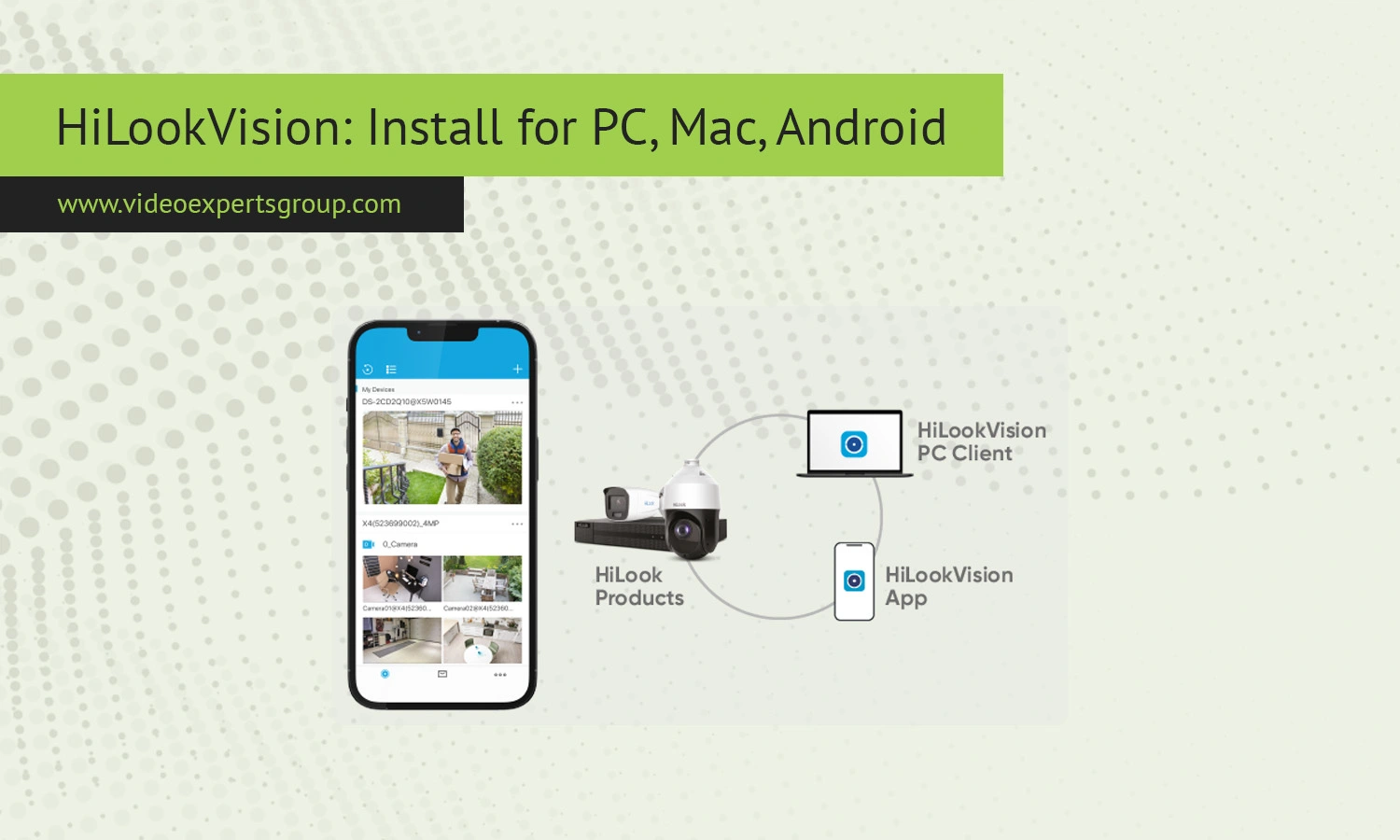
Video surveillance has become a standard part of both home security and business infrastructure. Whether you manage a small retail store or want to monitor your property remotely, having a reliable surveillance app is essential. HiLookVision is one of those solutions designed to simplify camera management while offering powerful monitoring tools. In this guide, you will learn everything about installing the HiLookVision app, logging in, its key features, and how it compares to other platforms.
What is HiLookVision
HiLookVision is a video surveillance client software developed for managing and monitoring IP cameras, DVRs, and NVRs. It is part of the HiLook ecosystem, which is a more affordable product line associated with Hikvision technologies. The app allows users to view live video feeds, playback recordings, and configure devices remotely from a single interface.
The platform is widely used by small and medium-sized businesses as well as homeowners who need a simple yet effective way to monitor their premises. It supports multiple devices and provides centralized control, making it suitable for multi-camera environments.
Key Features
HiLookVision offers a range of practical features that make it a solid choice for everyday surveillance needs. One of its main strengths is real-time monitoring, allowing users to watch live camera feeds with minimal delay. The app also supports playback functionality, enabling you to review recorded footage stored on your devices.
Another important feature is remote access. You can connect to your cameras from anywhere, as long as you have an internet connection. This is especially useful for business owners who want to keep an eye on operations while away.
The software also includes motion detection alerts. When enabled, it notifies users about suspicious activity, helping improve security response times. Multi-device support is another advantage, allowing you to manage several cameras or recorders from a single dashboard.
Additionally, HiLookVision provides user management tools, giving administrators the ability to assign permissions and control access levels. This is particularly useful in environments where multiple people need access to the system.
Install
For PC / Windows
Installing HiLookVision on a Windows PC is straightforward. First, download the installation file from the official HiLook software distribution page. Once downloaded, run the installer and follow the on-screen instructions. The process usually takes only a few minutes.
After installation, launch the application and proceed to the login screen. Make sure your system meets basic requirements such as sufficient RAM and a stable internet connection to ensure smooth performance.
For Mac
Mac users can also install HiLookVision using a compatible macOS version of the client (App Store). Download the DMG file (iVMS-4200), open it, and drag the application into your Applications folder. Once installed, open the app and grant any required permissions, such as network access.
Although the Mac version may have slight interface differences compared to Windows, the core functionality remains the same, including live view, playback, and device management.
For Android
To install HiLookVision on Android, download the APK file or install it via the Google Play Store if available in your region. Before installing an APK manually, ensure that your device allows installations from unknown sources.
Once installed, open the app and proceed with login or device setup. The mobile version is optimized for touch controls and provides convenient access to cameras on the go.
How to Login
Logging into HiLookVision requires credentials associated with your device or system. In most cases, the default login details are set during the initial setup of the recorder or camera. Common default credentials often include:
- Username: admin
- Password: admin or a blank field
However, many modern devices require you to create a new password during the first setup for security reasons. If your device does not accept default credentials, check the configuration settings or reset the device if necessary.
After entering your login details, you may need to add your device manually using its IP address, domain name, or cloud ID. Once connected, you will gain access to live feeds and recordings.
HiLookVision vs. Hik-Connect
HiLookVision and Hik-Connect are often compared because they come from related ecosystems. While both apps provide remote surveillance capabilities, they are designed for slightly different audiences.
HiLookVision focuses more on local network management and is typically used with HiLook hardware. It offers a straightforward interface and is ideal for users who prefer direct control over their devices.
Hik-Connect, on the other hand, is a cloud-based solution with a stronger emphasis on remote access and ease of setup. It integrates more seamlessly with Hikvision devices and provides additional features like cloud storage and push notifications.
In simple terms, HiLookVision is better suited for local setups and budget systems, while Hik-Connect is more convenient for users who prioritize remote connectivity and cloud integration.
HiLookVision Alternatives
While HiLookVision is a capable platform, there are several alternatives worth considering depending on your needs. One of the most flexible options is VXG, a cloud-based video surveillance solution designed for scalability and advanced integration.
VXG stands out for its ability to support a wide range of camera brands and its strong API capabilities. It is especially useful for businesses looking to build custom surveillance systems or integrate video monitoring into existing applications. If you need a modern, cloud-first solution with enterprise-level features, VXG is a strong choice worth exploring.
Other alternatives include mobile-friendly apps like iVMS-4500 and general-purpose surveillance software that supports ONVIF-compatible devices. When choosing an alternative, consider factors such as ease of use, compatibility, and whether you prefer local or cloud-based management.
FAQs
