What is Random Access Memory (RAM)?
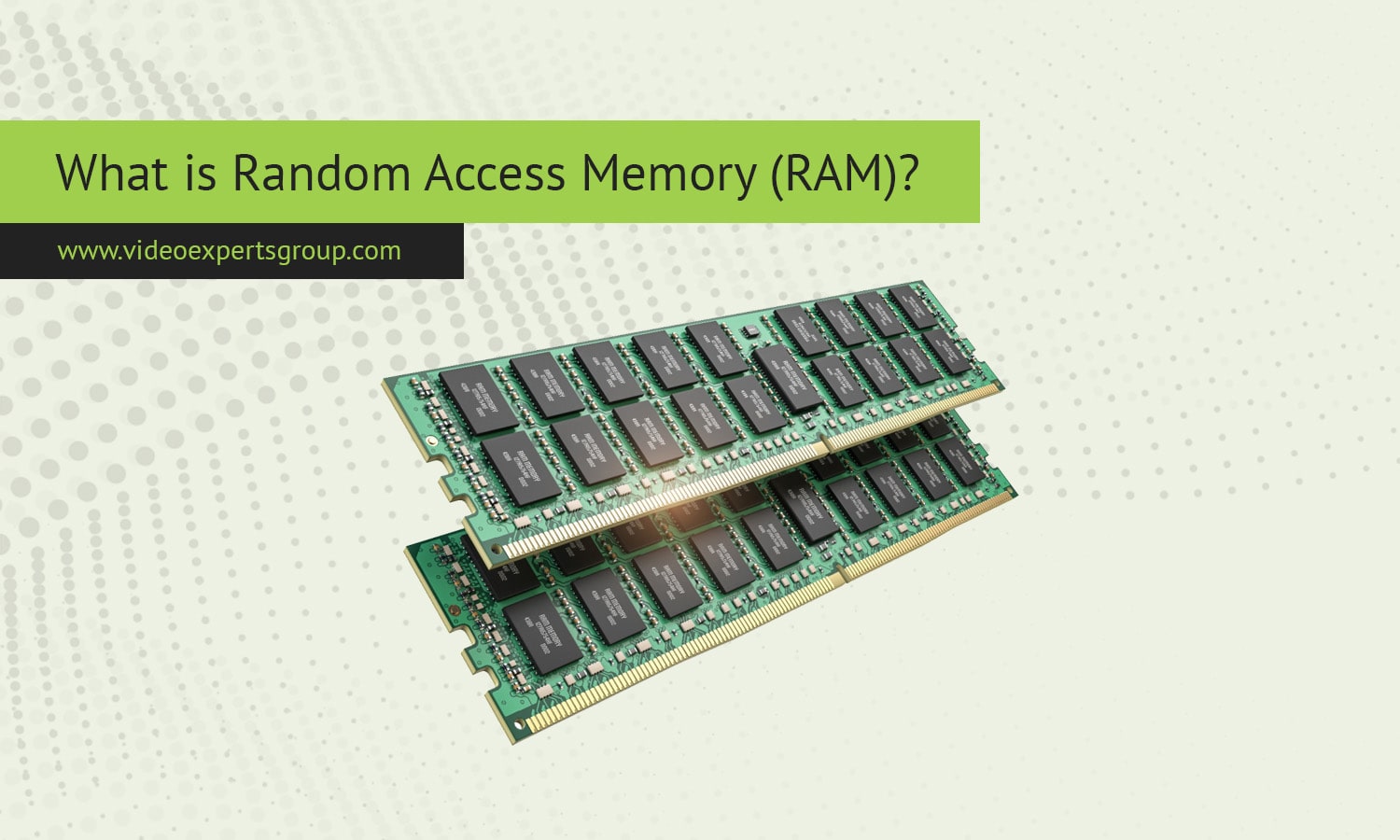
Random Access Memory, commonly known as RAM, is one of the most important components in any computer system. It plays a central role in how fast programs open, how smoothly multitasking works, and how responsive the overall system feels. Whether a person uses a smartphone, a laptop, a desktop PC, or a gaming console, RAM supports almost every action that happens on screen. Although storage devices like SSDs and hard drives are also essential, RAM works very differently and is responsible for handling active data. Understanding how RAM functions helps users make informed decisions when choosing new hardware or upgrading existing systems.
Definition
Random Access Memory is a type of volatile memory that temporarily stores data and instructions that the processor needs while performing tasks. The word volatile means that the stored information disappears when the device is turned off. RAM offers fast read and write speeds, which allow applications, system processes, and background tasks to operate without major delays.
The key idea behind RAM is that any location in the memory can be accessed directly. This direct access capability makes RAM much faster than long-term storage devices, which usually read data in blocks or rely on mechanical components. When a program is launched, the operating system loads essential instructions into RAM, allowing the CPU to retrieve them quickly. The more RAM a system has, the more data it can keep readily available for fast access.
How RAM Works
RAM acts as a high-speed bridge between the CPU and the slower storage devices. Every time a user runs an app, the operating system loads the necessary data from storage into RAM. Once the data is in RAM, the CPU can access it nearly instantly. This reduces delays and ensures smooth operation. Without RAM, the CPU would be forced to fetch instructions directly from storage, which is significantly slower and would lead to a sluggish computing experience.
Inside RAM modules, data is stored in tiny electronic cells arranged in a grid. These cells hold electrical charges that represent binary values. The processor communicates with these cells through the memory controller, which manages the flow of information. RAM continually refreshes these cells to maintain stored data, which is why it is called dynamic memory in many modern systems.
RAM also influences multitasking. When multiple applications are open, each receives a portion of available memory. If the system runs out of RAM, it begins using virtual memory, a method where the computer stores overflow data on the storage device. Virtual memory is slower, and when used frequently, it can cause noticeable lag. This is why devices with limited RAM often struggle when running many applications at once.
Types of RAM
Several types of RAM exist, each designed for specific performance needs. While older systems use earlier forms of memory, modern devices rely on advanced generations that deliver high bandwidth and energy efficiency. The most common types include:
Dynamic RAM (DRAM)
DRAM is the most widely used form of RAM in computers and mobile devices. It stores data using tiny capacitors that must be refreshed constantly. This constant refreshing is what makes DRAM dynamic. DRAM is valued for its balance of speed, cost, and capacity. Most system memory modules, such as those labeled DDR3, DDR4, or DDR5, are types of DRAM.
Static RAM (SRAM)
SRAM is faster and more reliable than DRAM, but it is also more expensive and consumes more space on the chip. Instead of relying on capacitors, SRAM uses flip-flop circuits to store data, allowing it to retain information without constant refreshing. Due to its speed, SRAM is used primarily in processor caches, including L1, L2, and L3 cache memory.
DDR SDRAM (DDR, DDR2, DDR3, DDR4, DDR5)
Double Data Rate Synchronous Dynamic RAM, or DDR SDRAM, is the standard memory used in most computers today. Each generation brings improvements in bandwidth, energy efficiency, and clock speed. For example, DDR4 offers higher speed and lower voltage than DDR3, while DDR5 improves performance even further with increased capacity per module and enhanced data management.
LPDDR (Low Power DDR)
LPDDR is a low power variation of DDR memory designed for mobile devices. Phones, tablets, and ultra-thin laptops use LPDDR to conserve battery life while maintaining solid performance. Newer versions, such as LPDDR4X and LPDDR5, provide high bandwidth while keeping energy consumption low.
GDDR (Graphics DDR)
GDDR is specialized memory used in graphics cards. It is optimized for tasks that require high parallel throughput, such as rendering images, playing video games, and accelerating visual computing. Graphics cards today often use GDDR5, GDDR6, or GDDR6X memory, which supports very high data transfer rates.
ECC RAM
Error Correction Code RAM is used mostly in servers and professional workstations. It can detect and automatically correct small data errors, improving stability and preventing system crashes. ECC RAM is essential in environments where data integrity is critical, such as hospitals, financial systems, and research institutions.
FAQs
