DRAM Memory: Meaning, Types, Comparison
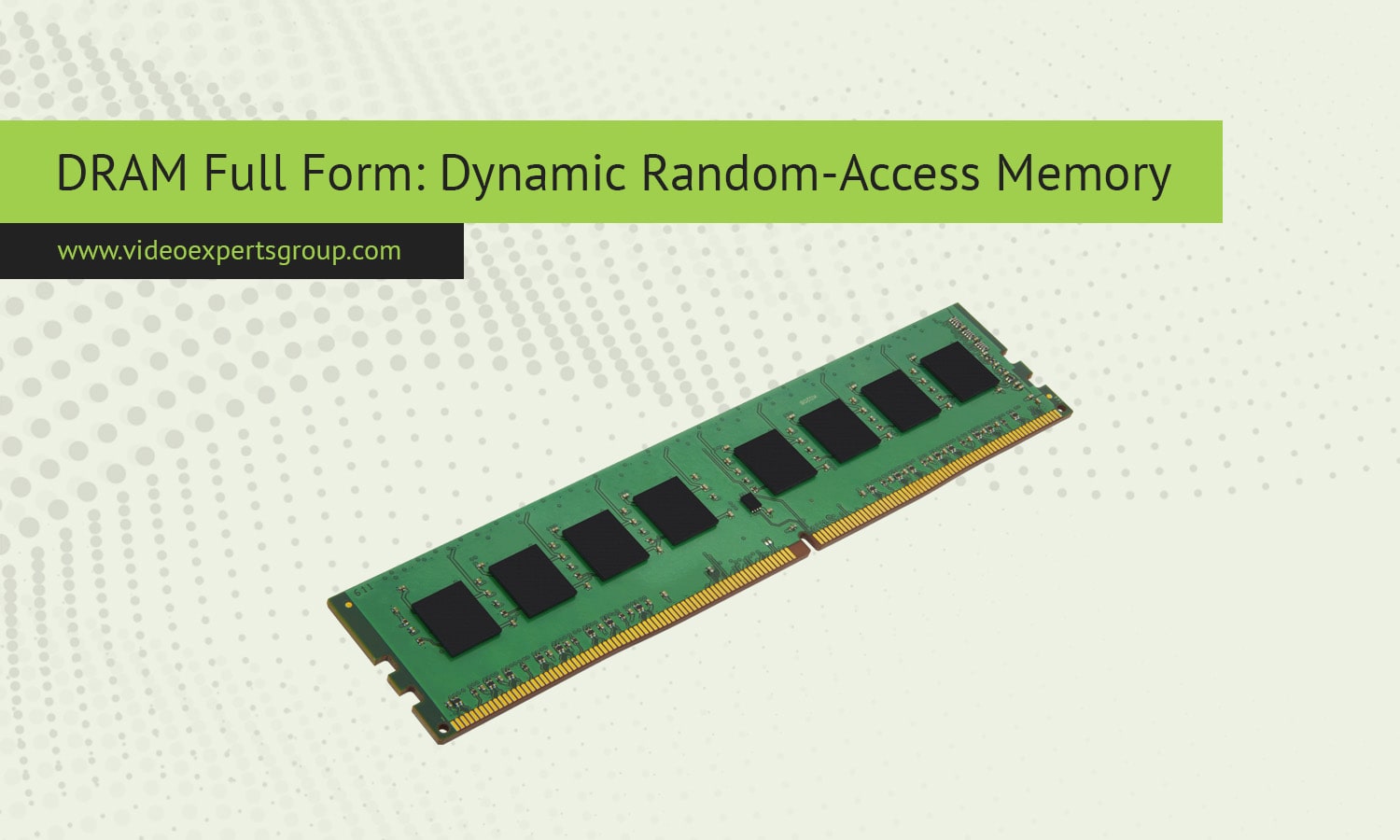
Memory is one of the most important components inside any computing device, and DRAM sits at the center of modern system performance. Every time you open an app, load a website, or run software, DRAM is working behind the scenes to hold active data so the processor can access it quickly. Although most users simply call it RAM, the vast majority of system memory used in computers, servers, and mobile devices is actually DRAM. Understanding what DRAM memory is helps explain why systems need refresh cycles, why memory speed matters, and how different generations of memory affect everyday computing.
Meaning
DRAM stands for Dynamic Random Access Memory. It is a type of volatile memory used to store data that a processor needs immediate access to while a system is running. The word dynamic refers to the fact that the stored data must be refreshed continuously to remain valid. Unlike non-volatile storage such as SSDs or hard drives, DRAM loses all stored information when power is removed.
DRAM is called random access memory because any memory cell can be accessed directly with the same speed, regardless of its physical location. This property makes DRAM ideal for tasks that require frequent and fast data access, such as running applications, managing operating systems, and handling real-time workloads.
How DRAM works
At the physical level, DRAM stores data in tiny memory cells made of a capacitor and a transistor. Each cell represents a single bit of data. When the capacitor is charged, the bit is interpreted as a one. When it is discharged, the bit represents a zero. Over time, the electrical charge in the capacitor leaks away, which is why DRAM requires constant refreshing.
The memory controller regularly reads each cell and rewrites its value before the charge drops below a readable level. This refresh process happens many times per second and is completely transparent to the user. While refreshing consumes power and introduces slight delays, it allows DRAM to achieve high storage density at a relatively low cost.
When the processor requests data, the memory controller activates a specific row and column within the DRAM chip, retrieves the stored value, and sends it back to the CPU. This process happens extremely fast, but it is still slower than accessing cache memory located directly on the processor.
Key features
DRAM has several defining characteristics that shape how it is used in modern systems.
- High storage density, allowing large memory capacities in a compact physical space.
- Volatile operation, meaning data is lost when power is turned off.
- Lower cost per bit compared to many other memory technologies.
- Requires periodic refresh cycles to maintain stored data.
- Slower access times than cache memory, but much faster than permanent storage.
These features make DRAM a practical balance between performance, capacity, and cost, which is why it is widely used as main system memory.
Types of DRAM
Over time, DRAM has evolved into multiple specialized types designed for different performance and power requirements.
- SDRAM, or Synchronous DRAM, operates in sync with the system clock, improving performance compared to older asynchronous designs.
- DDR SDRAM, which stands for Double Data Rate SDRAM, transfers data on both rising and falling clock edges, effectively doubling throughput.
- DDR2, DDR3, DDR4, and DDR5 are successive generations of DDR memory, each offering higher bandwidth, improved efficiency, and greater capacity.
- LPDDR, or Low Power DDR, is optimized for smartphones and portable devices where energy efficiency is critical.
- Graphics DRAM, such as GDDR, is designed for graphics cards and high-bandwidth workloads.
Each type of DRAM targets a specific use case, from desktop computers and servers to mobile devices and gaming systems.
DRAM vs. RAM
The terms DRAM and RAM are often used interchangeably, but they do not mean the same thing. RAM is a broad category that refers to all types of random access memory. DRAM is one specific type within that category.
Another common type of RAM is SRAM, or Static Random Access Memory. SRAM does not require refresh cycles and is significantly faster than DRAM, but it is also much more expensive and consumes more physical space. Because of these trade-offs, SRAM is typically used for CPU caches, while DRAM is used as main system memory.
In practical terms, when people talk about upgrading RAM in a computer, they are almost always referring to DRAM modules. DRAM dominates this role because it offers the best balance between speed, capacity, and affordability for general-purpose computing.
FAQs
