Grandstream Camera Login: Default IP, Username, Password, Port
Grandstream is widely known for VoIP phones and networking equipment, but the company also produces IP surveillance cameras designed for business, education, retail, and residential security. These cameras integrate with NVRs, video management systems, and mobile monitoring apps. When a camera is new or has been reset, it returns to factory network and login settings. These default values allow installers and users to connect, activate video streaming, and configure recording, motion detection, and remote access. Understanding the initial IP address, login name, password behavior, and communication ports is essential for first time setup and troubleshooting. While default credentials are useful for installation, they are not secure for long term use and should always be replaced after access is confirmed.
Default IP
Grandstream IP cameras typically ship with a preset static IP so the device can be reached without relying on automatic router assignment. A commonly used factory address is 192.168.1.168. This allows a computer on the same subnet to open the camera interface directly in a web browser. If the local network uses a different range or DHCP assigns a new address, the camera might not appear at the default location. In that case, a device discovery tool or the router client list can help identify the active address. Performing a hardware reset usually restores the original static configuration if the address has been changed manually.
- Typical default IP: 192.168.1.168
- Standard subnet mask: 255.255.255.0
- Gateway is normally set to match the router network
Default Username
The primary login account for Grandstream cameras is the administrator profile. In most models, the default username is admin. This account provides full system control, including network settings, image adjustments, firmware upgrades, event configuration, and user management. Because the admin profile has unrestricted permissions, it should be secured immediately after first login. Some newer camera models still use admin as the login name but guide the user through an activation step where a custom password must be created before the interface becomes available.
- Default username: admin
- Access level: complete administrative control
Default Password
Password behavior varies depending on the production year and firmware generation. Older Grandstream cameras often used admin as the default password, which made setup simple but offered little protection. Many modern devices instead use a unique password printed on the device label or require the user to set one during the first login process. If a universal default such as admin is active, it should be changed right away. A strong password containing letters, numbers, and symbols helps prevent unauthorized access, especially when remote viewing features are enabled.
- Common legacy password: admin
- Newer models may use a unique sticker password or activation setup
Default Port
Network ports define how the camera communicates with browsers, recorders, and streaming software. The standard HTTP port is 80, which allows web browser access by entering the camera IP address. For secure connections, HTTPS often uses port 443. Video streaming through RTSP generally works on port 554, enabling integration with NVRs and third party video platforms. Some cameras also use additional service ports for management or mobile app communication. These ports can usually be modified inside the camera settings if network conflicts arise or if the administrator wants to reduce exposure to automated scanning from outside networks.
- HTTP web interface port: 80
- HTTPS secure port: 443
- RTSP streaming port: 554

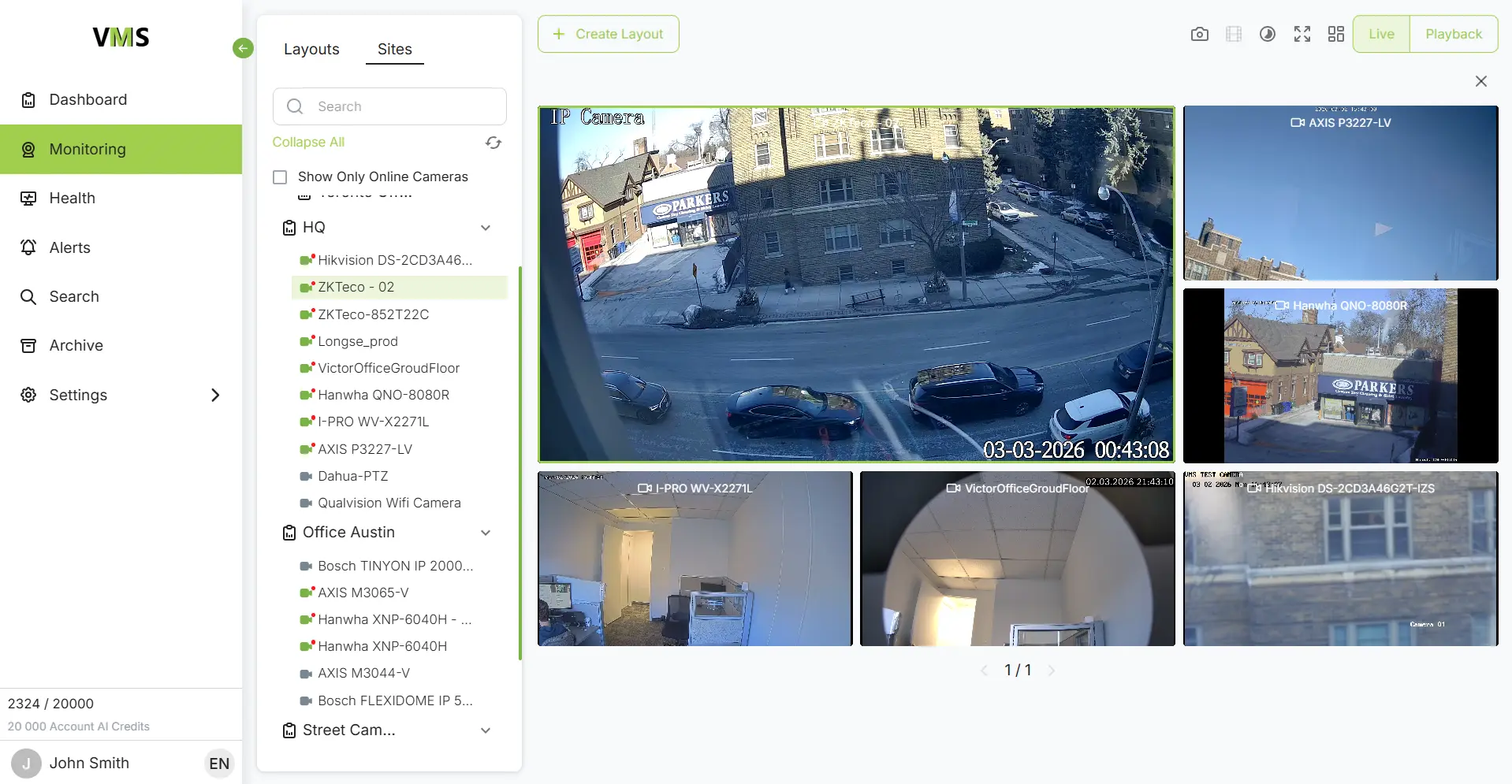
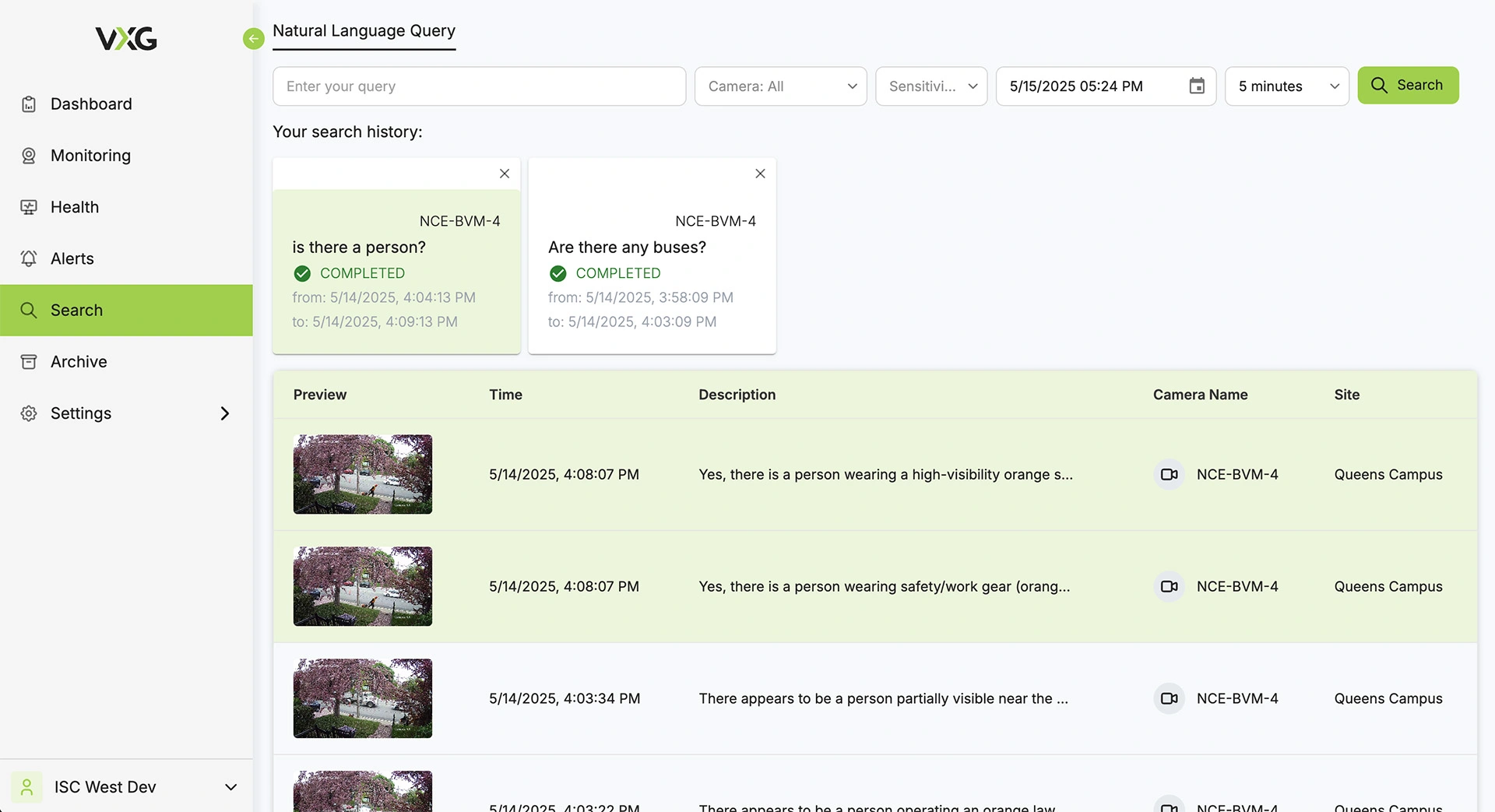
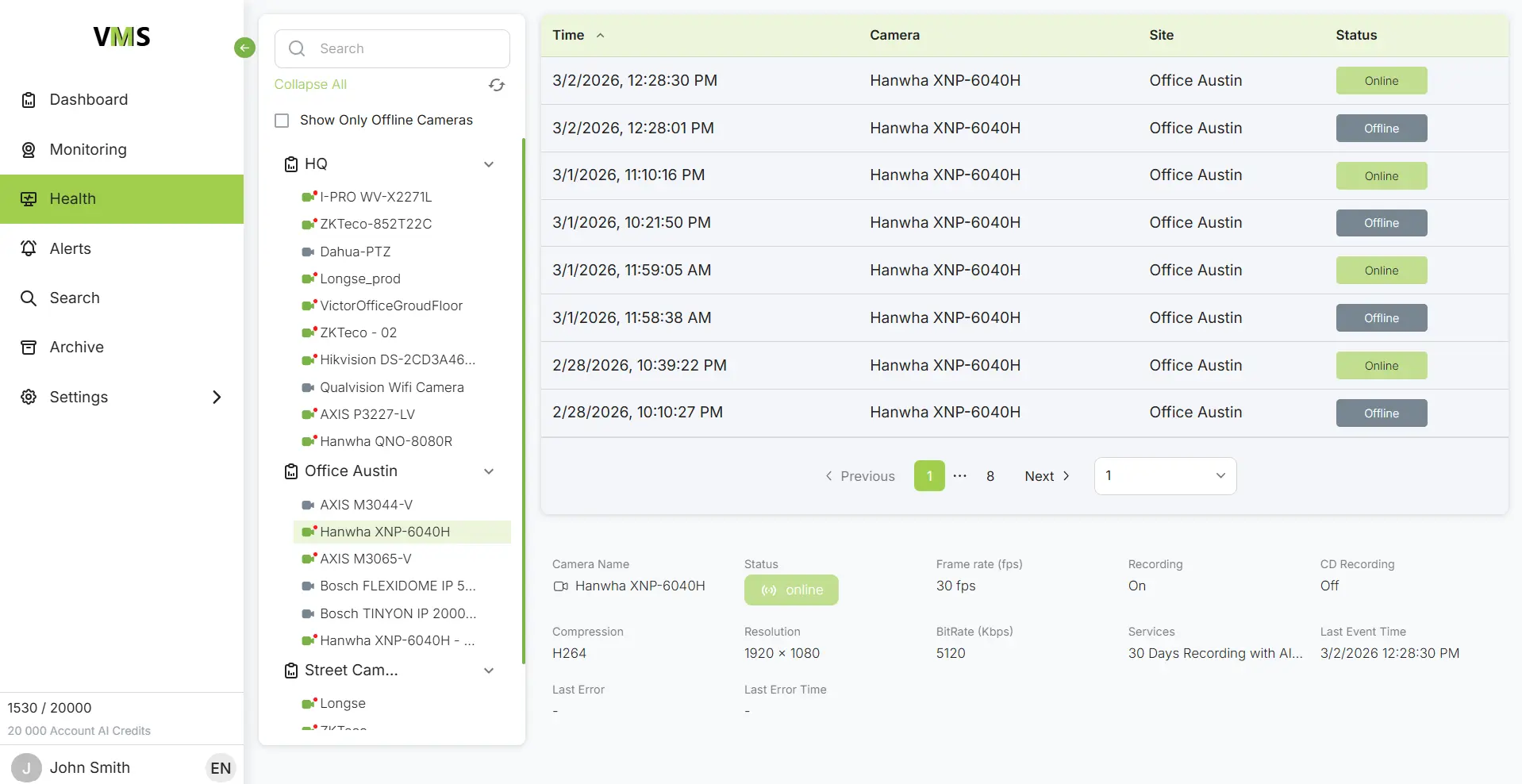
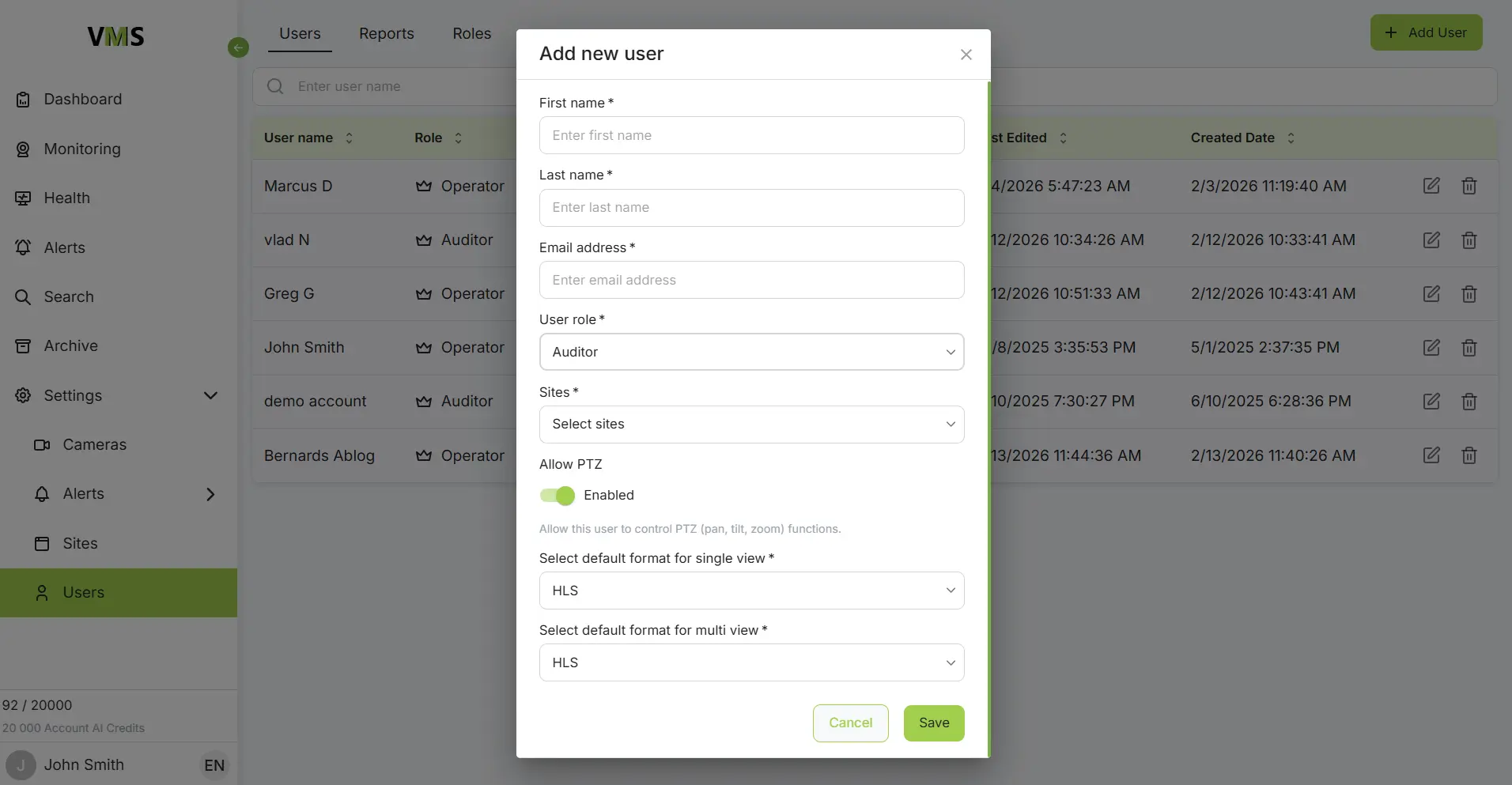
Connect Grandstream cameras to VXG Cloud VMS with GenAI for free
Learn moreFAQs