JVC Camera Login: Default IP, Username, Password, Port

Cameras 12 minutes
JVC Camera Login: Default IP, Username, Password, Port

JVC security cameras are used in professional video surveillance projects where image quality, reliability, and long-term stability are important. These cameras appear in retail stores, offices, industrial facilities, and public buildings. During installation or maintenance, technicians often need to know the default login information to access the device for the first time or after a factory reset. Details such as default IP address, username, password, and network ports help establish initial communication with the camera.

Unlike very basic consumer cameras, JVC professional models are built with structured network behavior and security controls. Some defaults still exist, but newer firmware versions often require the installer to create secure credentials at first login. This article explains the most common factory settings and how they are used in practical deployments.

Meaning

A JVC security camera is an IP-based video surveillance device that sends digital video streams through an Ethernet network. These cameras include a built-in web interface, support for recording through NVR or VMS platforms, and advanced image processing features such as wide dynamic range, noise reduction, and low-light sensitivity. Many models are designed for 24/7 operation in demanding conditions.

Each camera functions as an independent network device with its own address and login system. Default login information refers to the factory network and access settings that allow an installer to reach the device before custom configuration is applied. After installation, these defaults should be changed to maintain system security.

Default IP

Many JVC IP cameras are configured to use DHCP by default. When connected to a network with a DHCP server, such as a router or enterprise switch, the camera automatically receives an available IP address. This simplifies deployment in larger systems where addresses are managed centrally.

If DHCP is not available, some models may use a fallback static address such as 192.168.0.10 or a similar private network address. In isolated setups, installers sometimes connect a laptop directly to the camera and temporarily adjust the computer’s network settings to match the camera’s subnet. Device discovery tools or router client lists are commonly used to identify the assigned IP.

After discovery, it is recommended to assign a fixed IP address to ensure stable communication with recording and monitoring systems.

Default Username

The traditional default username on many JVC security cameras is admin. This account provides full access to system configuration, video parameters, network settings, and user management. Because this username is widely known, it should be secured with a strong password immediately after setup.

Some modern firmware versions may require confirmation or creation of administrator credentials during the first login process instead of relying on a permanent factory username. This change improves protection against unauthorized access.

Default Password

Older JVC camera models sometimes used simple factory passwords such as 12345 or a blank password together with the admin account. However, security standards have improved, and many current devices prompt the installer to set a new password before full access is granted.

If a default password is provided on a label or in packaging, it should be considered temporary. Strong passwords that combine letters, numbers, and special characters are essential to prevent intrusion. Leaving factory credentials unchanged is a common cause of network security incidents.

Default Port

JVC security cameras use standard service ports for management and streaming. The web configuration interface typically runs on HTTP port 80 and HTTPS port 443. Secure connections over HTTPS are recommended, especially in professional networks.

For video transmission, RTSP streaming is commonly available on port 554, allowing integration with NVR systems and video management software. Additional service ports may be used for device discovery or integration protocols, but these are generally handled automatically by professional systems.

Direct exposure of these ports to the internet is not recommended. Remote access should be performed through VPN connections or secure gateway services to reduce cyber risk.

ONVIF uplink

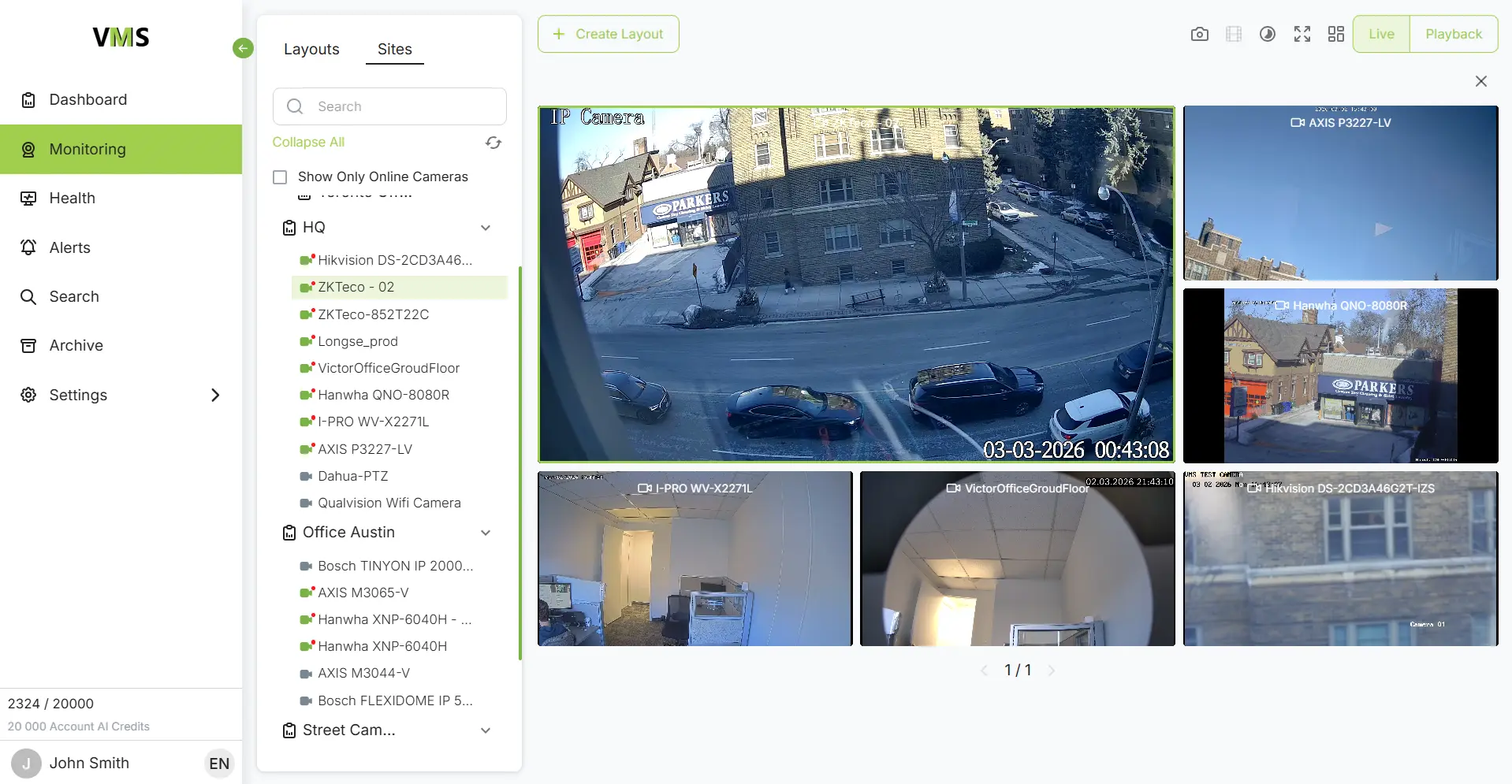
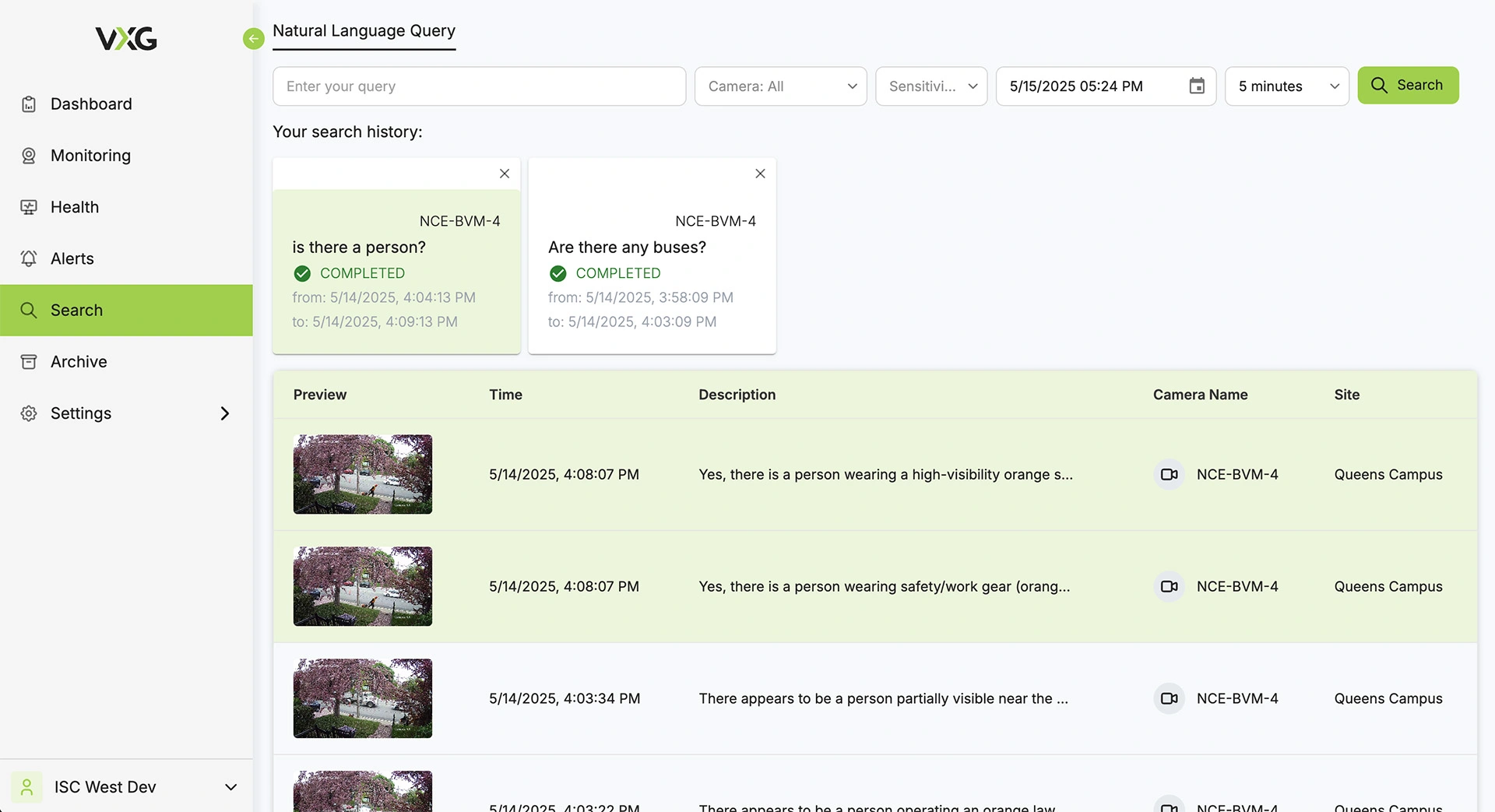
Connect JVC cameras to VXG Cloud VMS with GenAI for free

Learn more

FAQs

You can check the router’s DHCP client list, use network scanning tools, or use the device search function in your VMS or NVR software.
Yes, JVC IP cameras include a built-in web interface for configuration and live viewing.
Default credentials are well known and can be exploited, which may lead to unauthorized access and data exposure.
RTSP streaming commonly uses port 554 for connection with NVRs and video management systems.
HTTPS on port 443 is safer because it encrypts login and configuration traffic.
Most models include a reset button that must be held while the device is powered to restore factory settings.
Opening ports directly can increase cyber risk. VPN or secure remote access solutions are recommended.

Follow us on

VXG Cloud Video Management System

Cloud VMS with GenAI

for Security, VSaaS, VMS,
Telecom

  • Cloud storage
  • Generative AI
  • Fully scalable
  • White-label
Get demo